VirusTotal and MetaDefender both show 0 detections. ScamAdviser score is 80+. WHOIS shows the domain is years old and owned by a known company. URLScan screenshot matches the real site. No fraud flags on Netcraft.
🚩 Treat as suspicious when…
Any VirusTotal or MetaDefender engine flags it. ScamAdviser score is below 50. Domain was registered in the last 30 days. WHOIS ownership is hidden or uses a privacy proxy. Site is hosted in a country unrelated to the company it claims to be.
QR codes: decode the QR with your phone camera first, then paste the resulting URL here before tapping it. Never open a QR-linked URL without checking it first.
📧 Checking an email address
The most important thing to check is the domain — the part after the @ symbol. Scammers use domains that look like real brands but aren't. These tools help you verify.
The "From" domain exactly matches the company's real domain (paypal.com, not paypal-billing.net). SPF and DKIM both show PASS. The sending server IP belongs to the company or a known email provider like Sendgrid or Mailchimp.
🚩 Treat as spoofed when…
SPF shows FAIL or SOFTFAIL. DKIM shows FAIL or is missing. The originating IP is from a different country than the company. The "Reply-To" address is different from the "From" address. Any part of the domain doesn't exactly match.
"Good news — no pwnage found." Your email address has not appeared in any known breach database. Continue using strong unique passwords and enable 2FA.
🚩 Action required
Your email appeared in one or more breaches. The site tells you which services were breached. Change your password for every listed service immediately — and any other site where you used the same password.
Real companies email from their actual domain. support@paypal-helpdesk.com is not PayPal. support@paypal.com is. Always check the exact domain after the @ symbol before clicking anything.
📞 Checking a phone number
Remember: caller ID can be completely faked by anyone. Even if it shows your bank's name, it means nothing. These tools check community reports and carrier data — not the caller ID.
NumLookup shows a real mobile or landline registered to a known business or person. Should I Answer has no negative ratings or comments. The number exactly matches the company's published contact number.
🚩 Treat as suspicious when…
NumLookup shows the line type as VoIP — scammers prefer VoIP because it's cheap and easy to spoof. Should I Answer has 1-star ratings or comments mentioning IRS, Social Security, or warranty. The number is out of state but the caller claims to be a local business. No results found at all — newly created numbers are common in scam campaigns.
The IRS, Social Security Administration, Medicare, and your bank will never demand immediate payment by phone — especially not by gift card, wire transfer, Zelle, or crypto. Hang up and call the agency directly using the number on their official website.
💬 Checking a suspicious text message
Text scams (smishing) are now the #1 delivery method for fraud in the US. Before clicking any link, replying, or calling any number in a text, take 60 seconds to verify.
🚩 Red Flags — Read Before Anything Else
Claims to be USPS, FedEx, your bank, or the IRS from a regular 10-digit number — real companies text from short codes (5–6 digit numbers like 22000 for USPS or 48773 for FedEx), not random 10-digit numbers
Contains a link — especially a shortened URL like bit.ly or tinyurl.com — real companies use their own domain in links
Unexpected delivery fee or "address update required" when you have no pending package
Urgent language: "Your account will be closed," "Respond within 24 hours," "Final notice"
Prize, lottery, or gift card offer from a number you don't recognize
Awkward phrasing, odd spacing, or unusual punctuation — often a sign of automated translation
Asks you to reply STOP or click a link to opt out — doing either confirms your number is active and live
⚠️ Received a verification code you did NOT request? Someone already has your password and is attempting to log into your account right now. Change that account's password immediately from a trusted device. If someone then calls and asks you to read the code back to them — hang up. That is a live account takeover in progress.
The link in the text is where credentials get stolen or malware gets installed. Click here to open the Link checker — VirusTotal, URLScan, WHOIS — and verify the URL before you touch it.
Open Link panel →
How to read the results
✅ Lower risk when…
Scamio finds no scam patterns in the message. NumLookup shows a real business mobile or landline — not VoIP. RoboKiller shows no spam reports or scam flags. Any link in the text passes VirusTotal and WHOIS shows the domain is years old and legitimately owned.
🚩 Treat as a scam when…
Scamio flags the message as a scam or phishing attempt. NumLookup shows VoIP — highest confidence scam indicator for a text sender. Any link in the text fails VirusTotal, has a newly registered domain, or uses a URL shortener.
Report the Text
📲 Forward to 7726 (SPAM)
Works on all US carriers — AT&T, Verizon, T-Mobile. Your report flags the number for everyone.
iPhone: Press & hold message → More… → Forward arrow → Type 7726 → Send Android: Press & hold message → Forward → Type 7726 → Send
Most people never turn these on. All of them are free:
iPhone (iOS Messages): Messages from unknown senders show a "Report Junk" link at the bottom — tap it to report to Apple and your carrier simultaneously
Android (Google Messages): Open the conversation → Tap ⋮ → "Report spam" — reports to Google and enables automatic blocking
T-Mobile: Download the free Scam Shield app — blocks spam texts and calls, no cost on any T-Mobile plan
AT&T: Open the AT&T app → ActiveArmor → enable spam text blocking (free tier available)
Verizon: Open My Verizon app → Call Filter → enable spam detection (free tier available)
Never click a link or reply STOP to a text from an unknown number — not even to opt out. Both actions confirm your number is active and can lead to more scam texts or malware. Navigate to any company's website directly by typing it yourself.
🏢 Verifying a business or contractor
Search the business name in each tool below. Use more than one — a clean Google result doesn't tell you if they're licensed or have a complaint history.
Reviews span multiple years and come from real profiles. Complaints exist but the business responded professionally. Business appears in Georgia SOS with a real address. License is active and current. Rating is consistent across more than one platform.
🚩 Treat as suspicious when…
All 5-star reviews were posted in the same week. Multiple reviews mention the same specific issue. Business name does not appear in Georgia SOS. License is expired, suspended, or can't be found. Only one platform has reviews and the others show nothing.
Never pay a contractor in full upfront — 30% down is standard, the rest on completion. Any contractor who pressures you to decide same-day or refuses to show a license number should be turned away immediately.
Step 3
Report It
Take action, stop the damage, and file your official report
Daily habits, golden rules, phishing quiz, password tools
Local Resources
Snellville, Gwinnett, Atlanta contacts and neighborhood safety maps
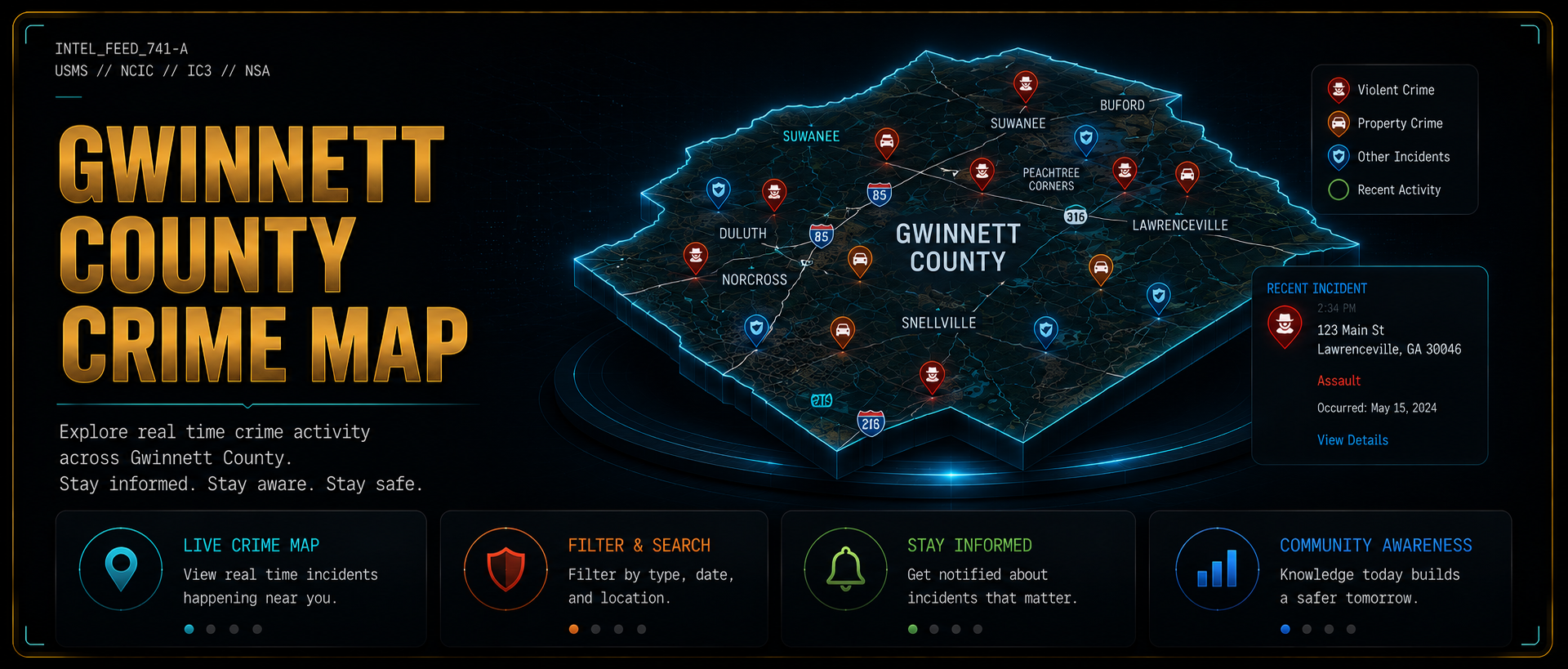
Crime Map
Interactive live crime activity map for Gwinnett County with recent incidents by type and location
Surveillance Awareness
License plate readers, traffic cameras, drones, and trackers. See what is watching in public and what you can do about it
Home & Physical Security
Doors, locks, cameras, lighting, dogs, perimeter security, and emergency preparedness for your home
Privacy Tools
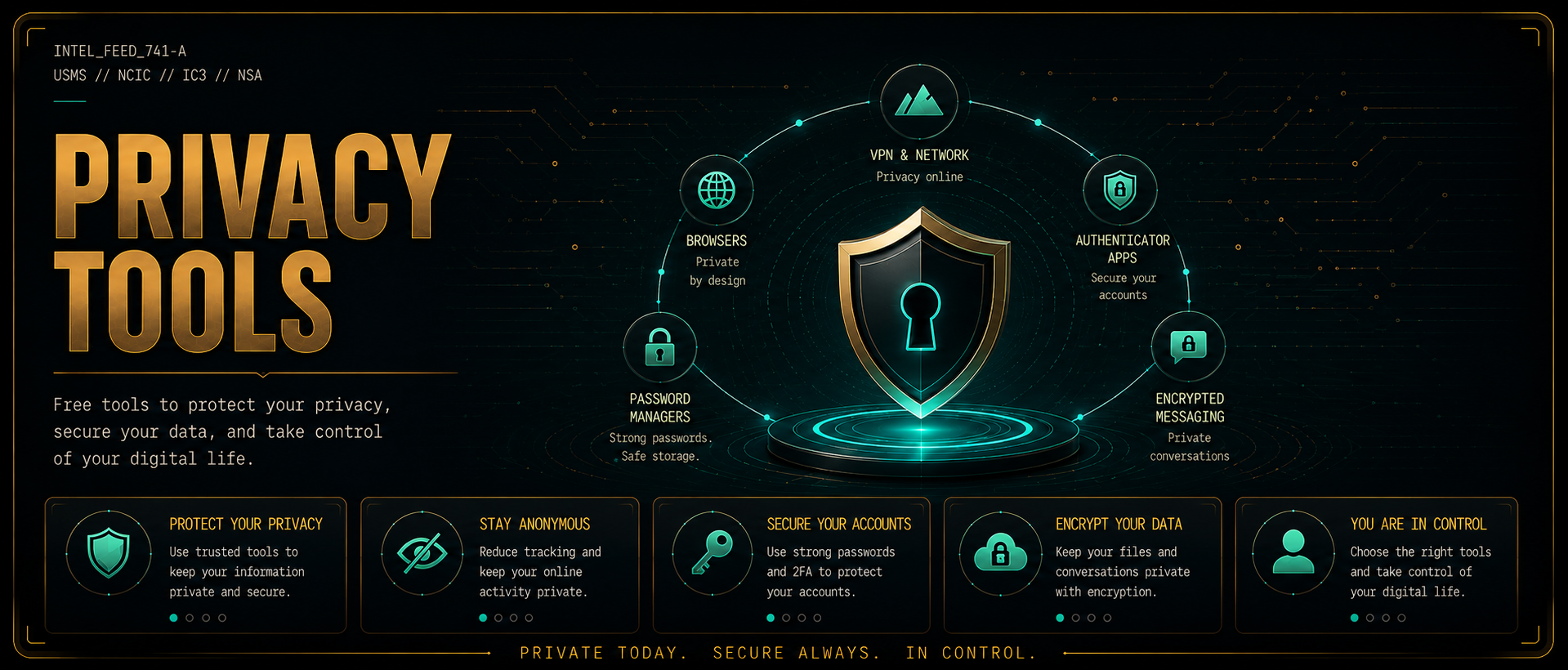
Free tools that block ads, protect your connection, and reduce your exposure to scams before they happen
▼
Digital Footprint & Privacy
Reduce your online exposure, opt out of data brokers, protect your identity, and understand authentication security
Device Security
Phone settings worth turning on, plus how to recognize a scam happening on a Windows computer
These tools do not react to scams. They prevent them. A VPN encrypts your connection. A private browser and search engine reduce the tracking scammers exploit to target you. Encrypted email keeps your real inbox out of the wrong hands. Two-factor authentication stops account takeovers even when a password is stolen.
Proton VPN
VPN
Genuinely free VPN with no data logging, no credit card required. Encrypts your internet connection so scammers, hackers, and trackers cannot see what you are doing online. Based in Switzerland with strong privacy laws.
Free privacy browser with built-in ad blocking, anti-tracking, and fingerprint protection. No extensions needed to get strong privacy out of the box. The fastest option if you want privacy without configuration.
Free, open source browser with strong privacy defaults and full support for uBlock Origin. Best choice if you want more customization and control over your privacy settings.
Free browser with a built-in VPN, ad blocker, and tracker protection all included - no extensions needed. The only major free browser with a VPN built directly into the interface. Good option if you want everything in one place.
Private search engine that does not track your searches, build an advertising profile on you, or sell your data to third parties. Use it instead of Google for everyday searching. Free, no account needed.
Free encrypted email account not tied to your real identity. Use it when signing up for any site you are unsure about. It keeps your primary inbox safe from harvesting and spam. End-to-end encrypted, based in Switzerland. No ads, no data selling. Same company as Proton VPN.
A stolen password alone is not enough to break into your account when 2FA is on. Install Authy or Google Authenticator (both free) and enable two-factor authentication on your email, bank app, and social media accounts. The single most impactful account protection step you can take.
Free, open source password manager that generates and stores a unique password for every account. Reusing passwords is one of the most common ways scammers break in: one leaked password unlocks everything. Bitwarden eliminates that risk entirely. Works on every device, no credit card required.
Free, open source software that runs an AI model directly on your own computer. Nothing you type is sent to a company server, which makes it very different from the AI websites everyone uses. Paste a suspicious message and ask what it is trying to do without handing your name, account details, or the contents of a scam text to a third party. Works offline once a model is downloaded.
Follow these steps in order. Do not skip ahead. Every second counts.
STOP WHAT YOU ARE DOING. Read this before you do anything else.
1
Do not send any money or gift cards
Do not wire money, send Zelle, buy gift cards, share crypto, or make any payment regardless of what they say will happen if you don't. No legitimate emergency ever requires gift card payment.
2
Do not give anyone access to your device
Hang up, close the chat, or stop responding. If you are on a call, hang up right now. You can hang up on anyone. No explanation needed.
3
If you already sent money, call your bank NOW
Use the number on the back of your card. Tell them you were scammed and ask to reverse or stop the transaction immediately. Every minute matters.
4
Screenshot or write down all details
Capture the phone number, email address, website, any names used, and exactly what they said. This becomes evidence for reports and bank disputes.
5
If you clicked a link, disconnect from WiFi
Turn off your WiFi or unplug your ethernet cable right now to stop any data transfer. Then run a malware scan before reconnecting.
6
Report it to get your official report number
File at reportfraud.ftc.gov. This generates an official report ID your bank can use in a dispute. Also report to Gwinnett County PD at (770) 513-5700.
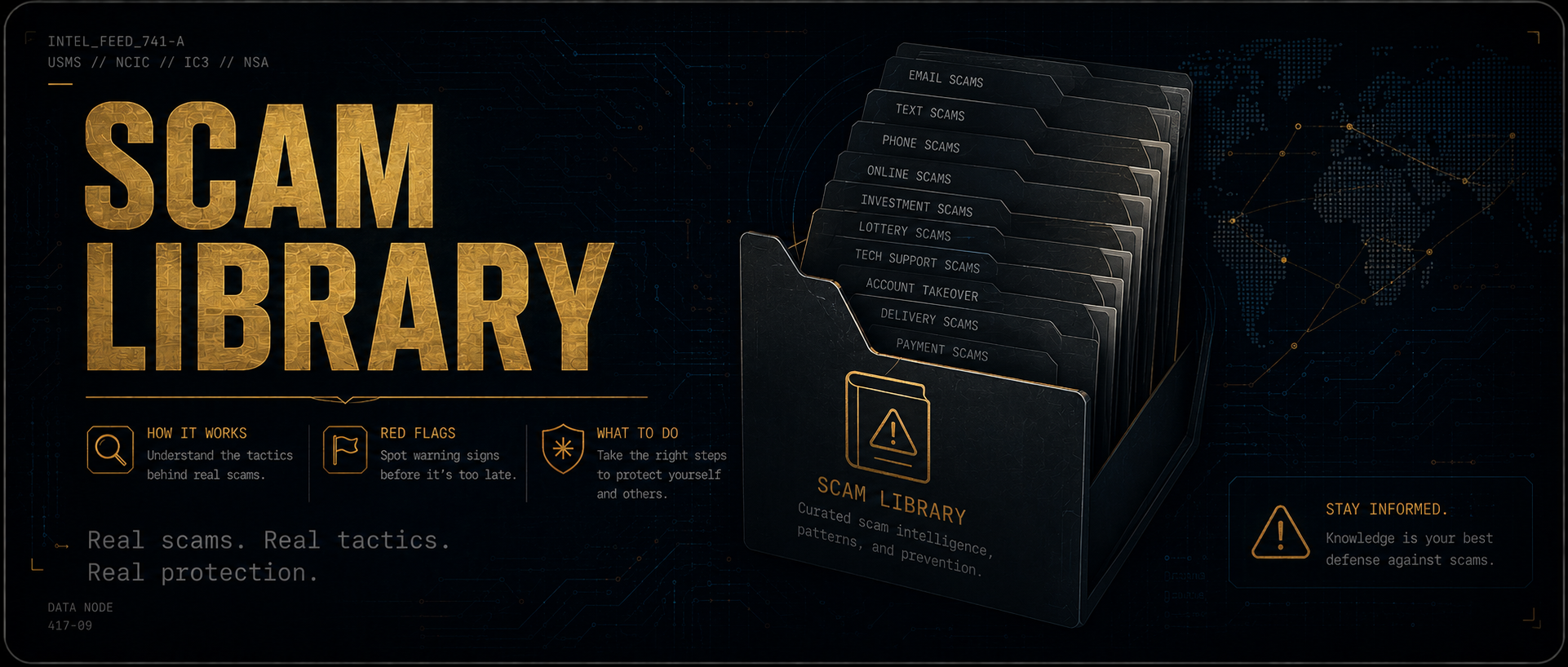
Impersonation Contractor Scams Romance Scams AI Voice & Deepfake Account Takeover Clone & Fake Accounts Social Media Safety Lost Pet & Pet Sitter Scams
Job Scams Fake Recruiters Invoice Scams
Amazon/UPS/USPS
Mail Scams Fake Bills
What it looks like
Red Flags
What To Do
🚨
What To Do RIGHT NOW
Choose your exact situation for step-by-step guidance.
🛑
Stop all communication immediately. You are in control: hang up, close the chat, or ignore the message. You owe no explanation.
1
Hang up or stop responding
No explanation needed. Scammers are trained to keep you engaged: your best move is to disengage completely.
2
Don't call back numbers they gave you
Look up the real company number yourself: on their official website or the back of your card.
3
Screenshot and document everything
Capture the number, email, messages: everything. You'll need this for reports.
4
Block the contact on all platforms
Phone, email, social media. They may try other channels.
5
Warn family members
Scammers often target multiple people in the same network, especially after a failed attempt.
6
Report the attempt
FTC at reportfraud.ftc.gov. Your report protects others in your community.
⚠️
Act within the next hour. The sooner you respond, the less damage is done.
1
Disconnect from WiFi immediately
Pull the cord or turn off WiFi. This stops any active data transfer to the attacker.
2
Do NOT enter any information on the page
Close the browser tab immediately. If you already did, assume that info is compromised.
3
Run a virus/malware scan now
Use Malwarebytes Free or Windows Defender. Don't wait.
4
Change passwords from a different device
Any account you were logged into when you clicked should be considered at risk. Start with email and bank.
5
Enable two-factor authentication (2FA)
On your email, bank, and all social accounts. This stops attackers even if they have your password.
6
Monitor accounts for 30 days
Watch for unauthorized charges, password resets you didn't request, or new accounts you didn't open.
7
If on a work device: call IT now
Don't wait. Your company's IT team needs to know immediately.
🔴
Time is critical. Some transfers can be reversed within minutes to hours if you act now. Call your bank before doing anything else.
1
Call your bank or payment app NOW
Ask to reverse, recall, or stop the transaction. Use the number on the back of your card: not one from the internet.
2
Zelle: call your bank's fraud line
Zelle transfers are often non-reversible, but your bank may have options. Ask specifically about their fraud policy.
3
Gift cards: call the issuer immediately
Call the number on the back of the card. Keep the card and your receipt. Some issuers can freeze unused balances.
4
File a police report
Gwinnett County PD non-emergency: (770) 513-5700. You will need a report number for bank disputes.
5
Report to the FTC
reportfraud.ftc.gov: generates a report ID your bank can use. Takes 5 minutes.
6
Report to the FBI IC3
ic3.gov: for wire fraud, online scams, and large losses. Federal investigation possible.
7
Document everything
Screenshots, transaction IDs, phone numbers, all communications. More evidence = better recovery chance.
⚠️
Personal data exposure can have consequences for months or years. Take action today to limit the damage.
1
Change passwords immediately
Start with email: it's the master key to everything else. Then bank accounts, then social media.
2
Enable 2FA on all critical accounts
Email, bank, and social media. Use an authenticator app (Google Authenticator, Authy) over SMS when possible.
3
If SSN shared: freeze your credit NOW
Free at all 3 bureaus online: Equifax.com, Experian.com, TransUnion.com. Takes about 10 minutes each. Prevents new accounts from being opened in your name.
4
Check haveibeenpwned.com
See if your email appears in known data breaches. Free and instant.
5
Monitor your credit report
annualcreditreport.com: free weekly reports from all 3 bureaus. Look for accounts you didn't open.
6
If bank/card info shared: cancel and reissue
Call your bank now. Request new card numbers. Set up transaction alerts.
7
File at identitytheft.gov
Official government recovery plan tailored to what was stolen. Creates a personal recovery checklist.
🗺️
Scenario Guides
Select the situation that matches yours for step-by-step guidance.
💸
Someone sent me money by mistake
🛒
Marketplace buyer acting suspicious
💼
Job offer seems too good to be true
📦
Suspicious delivery text or email
💻
Someone wants remote access to my device
💔
Online relationship asking for money
🏛️
Government agency called me
🖥️
Tech support popup or warning screen
🏦
I received a check I didn't expect
⚡
Utility company threatening shutoff
🔍
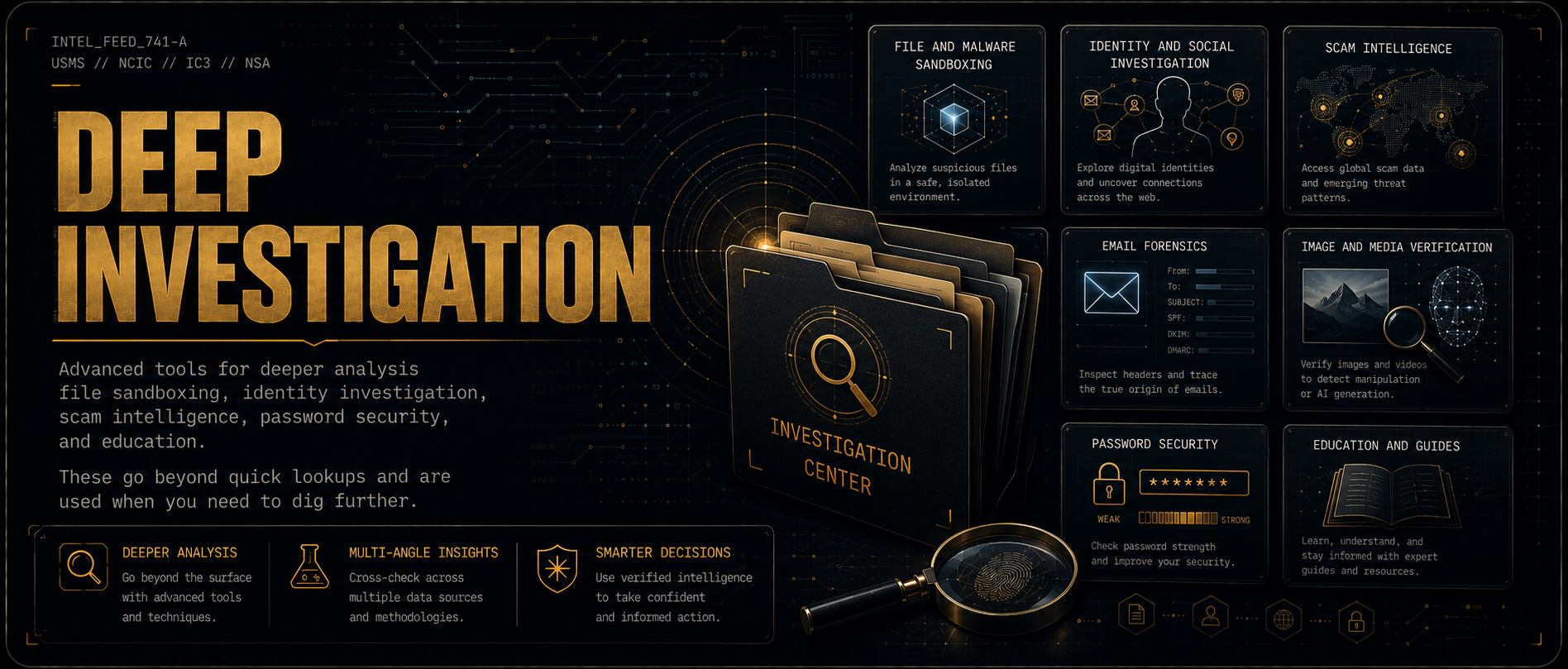
Verify & Investigate
Input-driven lookups. Tools marked AUTO open pre-loaded with your input. Tools marked PASTE open to their homepage for manual entry.
Run a domain or URL against multiple blacklist databases at once. Use these when ScamAdviser and WHOIS are not enough and you want a second opinion from different sources.
For when you need to dig into an email's raw headers to prove spoofing or trace where a message actually originated. Requires you to view and copy the raw email headers first.
Use these when a profile photo looks too perfect, an image seems suspicious, or a video doesn't feel right. Reverse image search finds where a photo really came from. AI detectors flag images generated by tools like Midjourney or DALL-E. Run both when investigating a romance scam, fake job contact, or suspicious seller.
If you were scammed and need to change passwords, use these first to see if your new password is actually strong. Nothing you type is stored or transmitted.
These assistants are good at explaining a suspicious message in plain language: what the sender is actually asking for, which pressure tactics are in play, and where a link really points. Two things worth knowing before you use one. Strip out personal details first, because your name, account numbers, and the address on a listing all get sent to a company server when you paste them. And treat the answer as one more data point rather than a verdict, because an AI can sound completely certain while being wrong in either direction. For a version that keeps everything on your own computer, see Ollama in Privacy Tools.
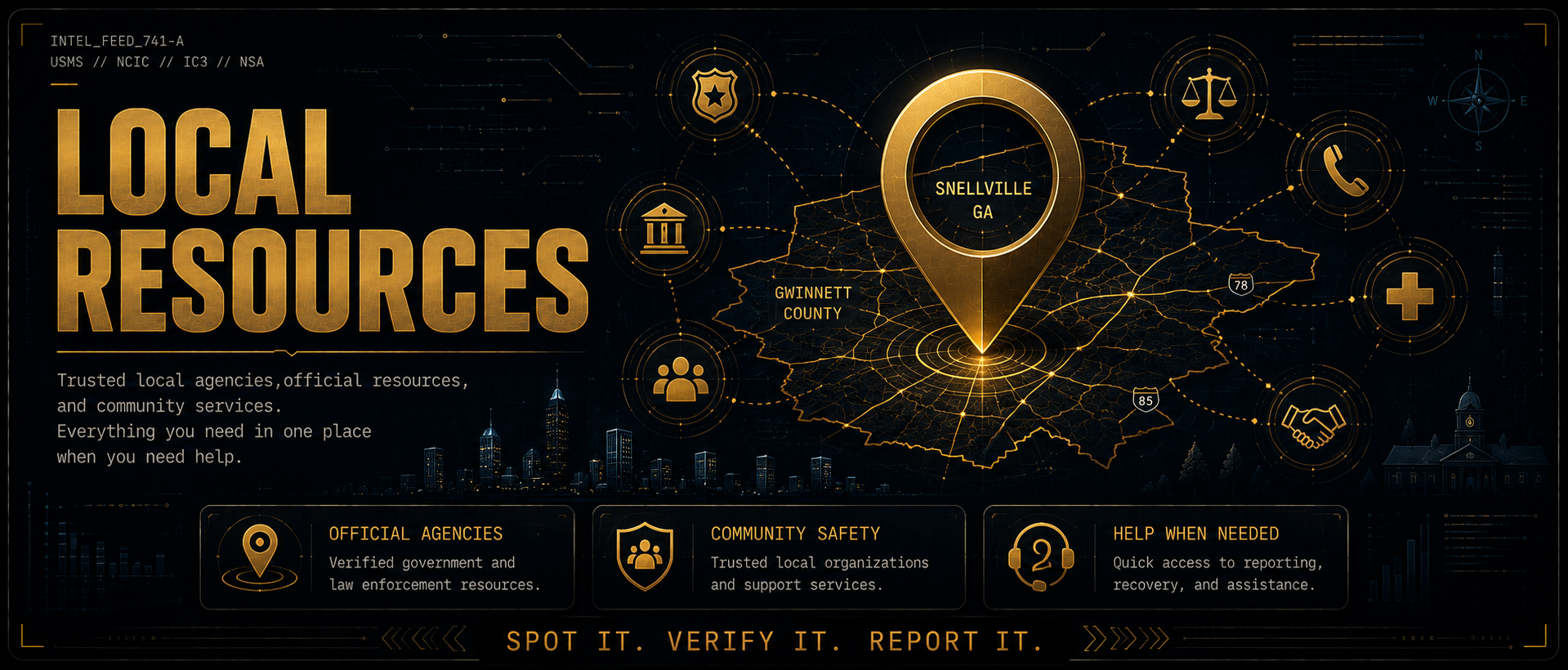
Trusted local agencies, law enforcement, and community services for Gwinnett County and the Greater Atlanta metro. Everything you need in one place when you need help.
Local Focus: Snellville, GA 30039 / 30078
Built for Snellville, Gwinnett County and the Greater Atlanta area. Local phone numbers and resources are listed below.
When your internet or phone goes out, check whether it is an actual outage before you do anything else. This matters for more than convenience: searching for a support number is how people land on fake ones. Scammers buy ads and build lookalike pages for the exact phrases you would type, then answer the phone, ask for remote access to your computer, or demand a reactivation fee. The official numbers below are the real ones, so you never have to search.
Daily habits, golden rules, a phishing quiz, and password tools — practical ways to build the instincts that keep you a step ahead of scammers.
0 of 10 habits active · 0%Click each habit to check it off
Use a unique password for every account: use a password manager (Bitwarden is free)
Enable two-factor authentication (2FA) on email, bank, and social accounts
Never click links in unexpected texts or emails: go directly to the website by typing it
Verify callers by hanging up and calling back on the official number you look up yourself
Check bank and credit card statements at least once per week
Keep your phone and computer software fully up to date at all times
Freeze your credit if not actively applying for new credit: it's free at all 3 bureaus
Never pay with gift cards, wire transfers, or crypto to anyone who contacted you first
Look up businesses on BBB.org and read Google reviews before paying them
Talk to elderly family members about common scams: they are targeted most often
🚫Never pay anyone in gift cards, crypto, or wire transfer unless YOU initiated and verified the transaction yourself.
🚫Never give remote access to someone who contacted you first: for any reason, ever.
🚫Never send money to receive a prize, lottery winnings, inheritance, or refund.
🚫Never trust caller ID: any number can be spoofed to look like your bank, the IRS, or a family member.
🚫Never keep a transaction secret at someone else's request: legitimate organizations never ask you to.
🚫Never give your SSN, bank login, or card number to someone who called you: even if it looks official.
✅Always hang up and call back on the official number if you're even slightly unsure.
✅Always verify before you pay: even if the request appears to come from someone you know personally.
✅Always take your time: legitimate requests can wait. Urgency is a manipulation tactic.
⚠️
If you notice 3 or more of these signs, have a professional review your device as soon as possible.
⚠️Unauthorized charges appearing on your bank or credit card accounts
⚠️Friends or contacts receiving messages or requests you didn't send
⚠️Apps or programs on your device that you don't recognize
⚠️Battery draining unusually fast with no explanation
⚠️Device running abnormally hot or slow
⚠️Passwords suddenly not working on accounts you haven't changed
⚠️Security alerts or login notifications from accounts you didn't trigger
⚠️Your webcam light turns on when you're not using it
🧠
Scam Recognition Quiz
5 real-world scenarios. Can you spot the scam? Takes about 2 minutes.
Plain-English definitions for the terms you hear in news reports, security warnings, and scam alerts. Knowing what these mean helps you respond faster and smarter.
PHISHING ATTACKS
Phishing — Fraudulent emails or fake websites that impersonate trusted brands to steal your login credentials or financial information.
Smishing — Phishing delivered by text message (SMS). Fake USPS, bank, and delivery texts are the most common form.
Vishing — Phishing done over a phone call. Scammers impersonate the IRS, Social Security, your bank, or tech support.
Quishing — Phishing using a QR code that leads to a fake website. Common in fake parking meters, flyers, and restaurant menus.
Spear Phishing — A targeted phishing attack built around personal details about you — your name, employer, or recent activity — to seem convincing.
BEC (Business Email Compromise) — Scammer impersonates an executive, vendor, or coworker via email to trick employees into wiring money or handing over credentials. One of the highest-dollar scams targeting small businesses.
Spoofing — Faking the origin of a call, email, or website. Caller ID spoofing makes a scammer's number appear to be your bank. Any number can be spoofed.
MALWARE
Malware — Umbrella term for any software designed to damage, spy on, or gain unauthorized access to a device. Viruses, spyware, and ransomware are all types of malware.
Ransomware — Malware that locks or encrypts your files and demands payment to restore access. Even paying does not guarantee recovery.
Spyware — Malware that silently monitors your activity and sends your information — passwords, banking activity, messages — to a third party.
Keylogger — A type of spyware that records every keystroke you type, capturing passwords, credit card numbers, and messages as you type them.
Trojan — Malware disguised as a legitimate app, file, or link. Once you install or open it, it grants attackers access to your device.
Adware — Software that floods your device with ads and tracks your browsing. Often bundled silently with free software downloads.
ACCOUNT & IDENTITY ATTACKS
Credential Stuffing — Attackers take leaked username and password lists from old data breaches and automatically try them on other sites. Reusing passwords across accounts makes this devastating.
Brute Force — Automated software that tries millions of password combinations until it finds the right one. Short or common passwords are cracked in seconds.
SIM Swap — Attacker convinces your carrier to transfer your phone number to their SIM card. This lets them receive your text-based 2FA codes and take over your accounts.
Account Takeover (ATO) — Gaining unauthorized access to someone's account — email, bank, or social media — typically to steal funds, lock out the owner, or impersonate them.
Social Engineering — Manipulating people into revealing confidential information or taking harmful actions through psychological tactics like urgency, fear, or impersonation. Most scams are social engineering at their core.
OTHER TERMS
Man-in-the-Middle (MitM) — Attacker secretly intercepts communication between two parties — most common on public WiFi. They can read or alter what you send and receive.
Data Breach — Unauthorized access to a company's database that exposes private user information — emails, passwords, SSNs, or card numbers. Check haveibeenpwned.com to see if your data has been exposed.
Dark Web — Part of the internet not accessible through normal browsers or indexed by search engines. Commonly used to buy and sell stolen credentials, card numbers, and personal data.
Zero-Day — A software vulnerability that is unknown to the vendor with no patch available yet. Attackers exploit it before a fix can be released. Keeping software updated closes known gaps as they are patched.
Two-Factor Authentication (2FA) — A second verification step beyond your password — a code from a text or authenticator app. App-based 2FA is stronger than SMS, which can be intercepted via SIM swap.
FTC & IC3 Alerts: Live
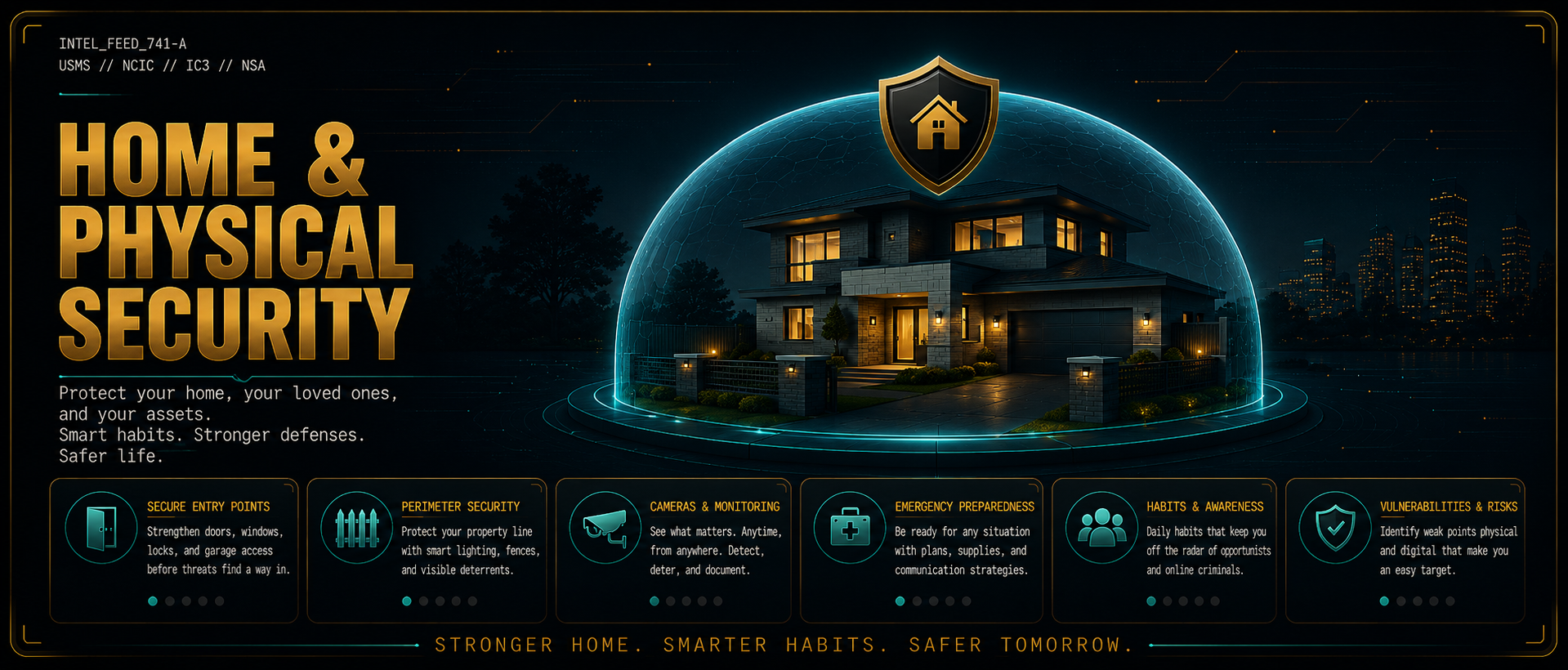
Doors, locks, cameras, lighting, and perimeter defense — practical, layered security for your home and family, built on the same principles the pros use.
🔒 Doors & Locks
Most break-ins are through the front door. The weakest point is almost never the lock — it's the door frame.
Deadbolt on every exterior door — ANSI Grade 1 is the highest residential standard
Strike plate with 3-inch screws anchored into the stud behind the trim — this is the most impactful $5 upgrade you can make
Door viewers (peepholes) or video doorbells — verify before opening to anyone
Sliding glass doors: wooden dowel in the track + a secondary anti-lift pin
French doors: surface bolt at top and bottom in addition to the main lock
Never leave a spare key outside — use a wall-mounted locked combination lockbox instead
Smart locks: ensure they have physical key backup and auto-lock features enabled
🪟 Windows
Window pins drilled through the inner sash into the outer frame — prevents opening even if lock is defeated
Window security film slows glass breakage and buys time — 3M and BDF are the most trusted brands
Ground-floor windows left cracked for ventilation: use a pin stop that allows airflow but blocks full opening
Basement windows: consider window bars or polycarbonate panels
Window sensors connected to your alarm — most break-ins through windows go undetected until morning
Do not leave ladders accessible outside — they become tools for second-floor window access
🚗 Garage Security
The garage is one of the most overlooked entry points. An open garage door for 10 minutes is all it takes.
Never leave the garage door open and unattended — even for a quick errand. Thieves move in under 60 seconds
The door from your garage into your home should be treated as an exterior door — solid core, deadbolt, no exceptions
Change your garage code after any contractor, housecleaner, or service worker has it — change it after any relationship ends too
Never use default codes (1234, 0000, the last 4 of your address) — they are the first thing tried
Garage door opener left in an unlocked car = house key. A car break-in immediately becomes a home break-in if your address is on anything in the car
Use a garage door with rolling code technology — older fixed-code remotes can be cloned with a $30 device
Install a garage door alert sensor — get a phone notification any time the door opens or is left open
Padlock the emergency release cord from inside when on vacation — prevents the "slim jim through the top of the door" bypass
Detached garages: treat them as a fully separate secured structure — lock everything stored inside
💡 Lighting
Motion-activated lights at all entry points, driveways, and side passages — burglars avoid illuminated areas
Timer-controlled interior lights when away — darkness for multiple days signals vacancy
Solar path lighting along walkways provides ambient coverage and is maintenance-free
🐕 Dogs
A barking dog is one of the most effective deterrents available — studies consistently show burglars bypass homes with audible dogs regardless of breed or size. Even a "Beware of Dog" sign provides deterrent value. The alert is what matters, not the bite.
🌳 Landscaping & Fencing
Keep hedges and shrubs near windows and doors trimmed low — dense concealment benefits intruders
Thorny plants (holly, barberry, hawthorn) under windows are a passive and permanent deterrent
Fencing: privacy fencing can hide intruder activity once inside — combine with cameras pointing inward
Gravel paths and driveways create audible noise when walked on — natural perimeter alert
Visible "Protected by [alarm company]" signs in yards and windows — deterrence effect is real
⚠️ Motion Sensors & Alarms
Door and window contact sensors — alert immediately when any entry point is opened
Glass break sensors detect the frequency of breaking glass without a physical contact
Smart motion sensors with phone alerts (SimpliSafe, Ring, Abode) — no monthly fee options available
Driveway alert sensors — wireless IR beam or pressure hose alerts you when someone enters the driveway
Decoy cameras do provide some deterrence but dedicated criminals can identify fakes
🔫 Secured Weapons (If Applicable)
If you keep a firearm for home defense, responsible storage is non-negotiable for both safety and effectiveness.
Quick-access biometric or keypad gun safe for a defensive firearm — balances speed with security
Long guns and additional firearms in a full-size rated gun safe bolted to the floor or wall
Never store loaded firearms in unlocked drawers or under mattresses — creates danger for household members
Georgia law: no state-mandated storage laws, but you are civilly liable if an unsecured firearm is accessed by a minor
Property records show you own a home — burglars know homes likely have valuables; secured storage prevents firearms becoming a burglary prize
📷 Camera Placement
Front door and driveway are mandatory — these capture the majority of incidents
Rear and side entry points — often the most vulnerable and least visible
Aim to capture faces, not just the top of heads — mount lower than you think
Overlap coverage where possible — a camera should see what the adjacent camera misses
Interior camera in common area as a last line if entry is made
⚙️ Setup & Security
Change the default password immediately — default-credential cameras are the #1 way home cameras are hacked
Enable local storage (SD card or NVR) in addition to cloud — cloud fails if internet is cut or account is compromised
Enable motion alerts for real-time notification
Keep camera firmware updated — manufacturers push security patches
Place cameras high enough to prevent tampering but angled to capture faces
Basic preparedness directly reduces vulnerability to disaster-related scams — contractor fraud, FEMA impersonation, and charity scams spike after every natural disaster. A prepared household is less desperate and less exploitable.
Your property and court records are publicly searchable by anyone — scammers use them to find homeowners, estimate net worth, identify recent transactions, and build targeted pitches.
Gwinnett County Property Records — your name, address, purchase price, and mortgage amount are public at gwinnettcounty.com
Georgia Superior Court records — civil judgments, liens, and case filings searchable online
Divorce and probate records — estate details and asset information are often public; frequently used to target recently widowed or divorced individuals
After a death, obituaries + public probate records give scammers the names of heirs and estate size — be cautious about oversharing in obituaries
Georgia voter registration (name, address, party) is available for purchase — a vector for targeted political and charity scams
Hardware keeps people out. Habits let them in. Most break-ins and scams succeed not because a lock was defeated — but because a routine was read, a code was shared, or a post revealed the house was empty. This section covers the human side of home security.
📱 What You Post Online
Never announce vacation dates on social media — "leaving for Cancun Thursday!" is an open invitation. Post the photos after you're home
Real-time location check-ins and tags tell anyone watching that you are not at home right now
"Just got a new 75" TV" — you just told anyone scrolling what's in your house and that it's worth a visit. Throw boxes in your car and take them to a dumpster away from home
LinkedIn and Facebook showing your exact work hours and schedule is public reconnaissance data
Photos taken inside your home reveal layout, valuables, and security setup to anyone who looks closely
Kids posting "home alone" or "parents are out of town" content — have that conversation directly
Obituaries listing survivors' names and addresses make recently widowed family members immediate targets
🕐 Routine & Schedule Vulnerabilities
Criminals case neighborhoods. A consistent routine is a green light.
Leaving at the same time every day, same route, same return time — predictable down to the minute after one week of watching
Car not moved for multiple days signals nobody is home — especially visible from the street
Mail and packages piling up is one of the clearest absence signals available
Same lights on the same timer every night — automated but obvious. Randomize the schedule
Same dog walk time, same route — a watcher knows exactly when the house is empty
Fitness tracking apps with public profiles — Strava and similar apps default to public activity maps. Your saved routes and marked "home" location can reveal where you live and your typical departure windows. Worth reviewing your privacy settings
Garbage cans left at the curb days after pickup = nobody pulled them in = nobody home
Before any trip: USPS mail hold, pause newspaper, arrange package holds or deliveries to a neighbor
🔑 Access Control — Keys, Codes & Who Has Entry
Audit who has a key or code right now — ex-partners, old neighbors, former housecleaners, contractors, family members who moved away. Revoke access you can't account for
Change garage and alarm codes after any contractor, repairman, or housecleaner finishes — they may have shared or photographed it
Never use default codes: 0000, 1234, your address digits, your birthday. These are the first four numbers tried
Smart locks: change the code after any guest stay, service visit, or relationship ending
Spare keys: never under a mat, in a fake rock, above the door frame, or in a potted plant — those locations are checked first. Use a wall-mounted locked combination lockbox instead
Kids sharing alarm codes with friends is more common than parents realize — set unique user codes so you can track who disarmed what and when
Community gate and HOA codes: treat them like a password — don't share casually, and flag when one gets out
🚚 Deliveries, Contractors & Service Workers
Verify before you open the door — utility workers, inspectors, meter readers, and repair crews can be impersonated. Ask for ID. Call the company directly using the number from their official website — not the number on a business card they hand you
Never leave a contractor alone inside your home without a household member present
Background-check any recurring service worker — cleaning staff, lawn crews, pet sitters. Use licensed, insured companies when possible
Delivery instructions that reveal your schedule ("I won't be home until 6pm, leave at door") tell a porch pirate exactly when to strike and confirm the house is empty
Use Amazon Key, garage delivery, or a neighbor's address for high-value packages when you're away
Fake delivery uniforms are a known entry tactic — a UPS or FedEx shirt from Amazon costs $20. Verify before opening
Real estate open houses expose your floor plan, valuables, and security setup to every stranger who walks through — remove or secure anything sensitive before any showing
After a contractor job: check that no windows or doors were left unlocked as an exit point for a later return
🏠 Home Visibility — What You're Advertising
Break down boxes from expensive purchases before putting them out for trash — a 75" TV box at the curb is a flyer for what's inside your home
Valuables visible through front windows — move them out of sightlines from the street
Gun safe, jewelry boxes, or electronics visible through windows from the street — reposition or use window film
Firearms visible in vehicles parked in the driveway or on the street are a known burglary trigger — lock them in the glove box or take them inside
Expensive cars, bikes, or equipment left outside signals a household worth targeting
Alarm company yard signs and door/window decals do provide real deterrence — use them even if you upgrade systems
🧳 Travel & Extended Absence
Put mail on hold at usps.com before any trip — mail piling up is the most visible absence signal
Have a trusted neighbor collect packages, pull in garbage cans, and vary the driveway appearance
Set interior lights on randomized timers — same time every night is obviously automated
Do not tell more people than necessary that you're leaving — keep travel plans off social media entirely until you return
Leave a car in the driveway if possible, or ask a neighbor to park in yours occasionally
Secure your garage door emergency release with a zip tie or padlock from the inside before a long trip — prevents the slim-jim-through-the-top-of-the-door bypass used by experienced burglars
👨👩👧 Family Coordination
Every adult in the household should know the alarm code, the emergency plan, and who to call
Kids need to know: do not open the door to strangers, do not tell anyone the house is empty, and who to call if something feels wrong
Designate a trusted neighbor as an emergency contact — someone who can respond faster than anyone else in a crisis
Older family members are disproportionately targeted at the door — impersonators posing as utility workers, charity collectors, or government inspectors. Walk them through how to verify before opening
Babysitters and housesitters: give them only what access they need, set a unique alarm code for their visit, and change it after they leave
Family group chat or shared calendar for travel and absence — so everyone knows when the house is occupied and when it isn't
🏘️ Neighborhood Awareness
Know your immediate neighbors by face — being able to spot someone who doesn't belong is one of the most effective security tools available
Recognize casing behavior: a car slowly circling the block, someone photographing homes, a person ringing doorbells and leaving without packages — report it to Gwinnett PD non-emergency (770) 513-5700
Join or create a neighborhood alert channel — Nextdoor, a group text, or a Ring Neighbors group. A 2-minute post warning neighbors about a suspicious vehicle has prevented break-ins
If you see something, say something — not just to 911, but to your neighbors. Information shared within hours of a suspicious event is the most actionable
📡 Smart Home Devices
Smart home tech adds real convenience — just worth knowing what it shares and how to manage it.
Smart speakers (Alexa, Google Home) are always listening for their wake word. Some voice clips are stored and can be reviewed. You can view and delete your voice history: Alexa → Alexa app → More → Activity; Google → myaccount.google.com → Data & Privacy → Web & App Activity
Smart TVs with built-in cameras and microphones may use Automatic Content Recognition (ACR) to track what you watch and deliver targeted ads. Most TVs let you limit this in Settings → Privacy. Worth reviewing when you first set one up
Security cameras and baby monitors on factory-default passwords are easy targets. Change the default login immediately — it's the single most important step after setup
Isolate smart devices on a guest network — most routers let you create a separate Wi-Fi network for IoT devices (smart plugs, cameras, thermostats). Keeps them away from your computers and phones if one gets compromised
Location-sharing apps (Life360, Find My, Google Family Sharing) — useful for family coordination, but they create a continuous location trail. Be aware of who has access and review sharing settings periodically
🚗 Vehicle Security
Always lock your car — even in your own driveway, even for 2 minutes. Unlocked cars parked overnight are the #1 source of vehicle break-ins in Gwinnett County
Nothing visible = nothing stolen: phones, chargers, bags, change, tools, sunglasses — if it's visible through the window, it's a reason to smash the glass. Move everything to the trunk or take it inside
Garage door opener in your car is a house key — if your car is broken into or stolen, whoever has it can drive back and open your garage. Keep it inside or use a keychain remote instead of the visor clip
Registration and insurance documents reveal your home address. If your car is stolen, that's your address in the thief's hands. Store copies in your phone or wallet instead of the glove box
Don't warm up your car unattended — an idling, unlocked car in a driveway is one of the easiest targets. In Georgia, leaving a running unattended vehicle on a public street can also result in a fine
Park near cameras when you can't use your garage — in parking lots, pick spots near visible cameras or well-lit areas. Thieves target isolated vehicles away from foot traffic
Tinted windows reduce visibility of interior contents and make smash-and-grab less rewarding. Keep tint within Georgia's legal limit (front side windows must allow 32%+ light transmission)
Car alarm systems matter — a triggered alarm draws attention and deters most opportunistic thieves. Factory alarms are a baseline; aftermarket systems with smartphone alerts add a layer of awareness
Your car signals your absence: same car in the driveway for 5 days straight, or no car at all for a week — both patterns tell observant thieves when a home is occupied or vacant
Check for hidden tracking devices — Bluetooth trackers like AirTags have been placed in wheel wells and under bumpers in parking lots to follow vehicles back to home addresses. iPhones automatically alert you if an unknown AirTag has been traveling with you. Android users can download the AirGuard app for the same detection. If you find one, don't confront anyone — call Gwinnett PD non-emergency at (770) 513-5700
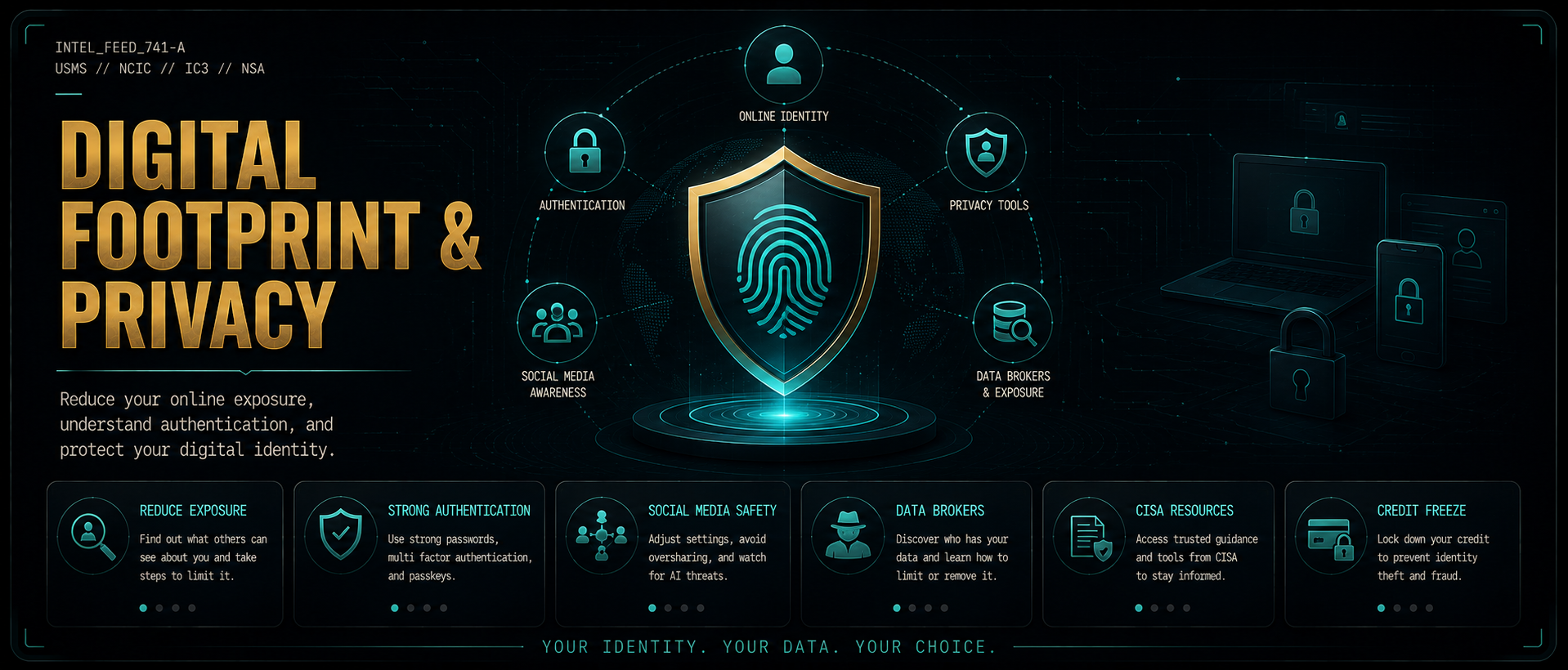
Shrink your online exposure, opt out of data brokers, lock down authentication, and take back control of the personal information scammers use to target you.
👤 How Scammers Profile You
Scammers build target profiles from social media, data brokers, public records, and breach databases before ever contacting you. The more specific they sound, the more you trust them.
Your full name, address, employer, relatives, and estimated income are often on data broker sites
Social media reveals your schedule, location patterns, relationships, and financial situation
Public records (property, court, voter registration) are freely searchable
AI tools can clone your voice from as little as 3 seconds of publicly available audio
📱 Social Media Oversharing
Vacation posts: broadcasting you're away tells burglars your home is empty
Geotagged photos: image metadata reveals your home, workplace, and routine locations
Family details: pet names, children's schools — all used in spear-phishing to sound credible
Financial posts: new car, inheritance, major purchase — flags you as a high-value target
Voice and video: any public video of your voice can seed an AI voice clone
✅ Reduction Action Steps
Set all social accounts to private — friends only, not public
Disable geotagging: iPhone → Settings → Camera → Location; Android → Camera → Settings → Location tags
Remove phone number and home address from Facebook, Instagram, LinkedIn profile fields
Use a separate email for online shopping and account signups
Search your own name on Google quarterly — see what's publicly visible
Establish a family voice code word — one word only real members know — to verify any emergency call
Sign up for USPS Informed Delivery at informeddelivery.usps.com — get daily email previews of your incoming mail so you instantly know if a piece goes missing or if a package notification is fake
Blur your home on Google Street View — search your address on Google Maps, open Street View, click "Report a problem" in the bottom-right corner, and request blurring of your home, vehicle, and license plate. The blur is permanent and free. Worth doing if your property is clearly visible from the street
Request removal of your personal info from Google Search — Google's "Results About You" tool lets you flag search results that show your home address, phone number, or email and request their removal. Visit myactivity.google.com/results-about-you — sign in, search your name, and submit removal requests on any results showing your contact information
Data brokers collect your personal information — name, address, phone, relatives, income estimate — and sell it to anyone who pays. You have the legal right to opt out of most, but they re-list you periodically.
Understanding how authentication works helps you recognize when something is wrong — a site that skips 2FA, a call asking for your OTP, or a login page that doesn't support passkeys are all red flags.
🔐 Authentication Types Explained
🔑 Password Authentication
The most common form — you know a secret string. Weaknesses: reuse, breaches, phishing. Best practice: unique password per site using a password manager (Bitwarden is free and open source). Minimum 16 characters for important accounts.
📱 2FA — Two-Factor Authentication
Requires a second proof after your password — typically a code sent by SMS or generated by an app. SMS 2FA is better than nothing but can be intercepted via SIM swap. App-based 2FA (Google Authenticator, Authy) is significantly stronger. Enable on every important account.
🛡️ MFA — Multi-Factor Authentication
The general term for requiring two or more authentication factors from different categories: something you know (password), something you have (phone/token), something you are (biometric). More factors = more security. Your bank likely uses MFA whether they call it that or not.
⏱️ OTP — One-Time Password
A code that is valid for only one use or a short time window (30-60 seconds). Generated by an authenticator app (TOTP) or sent by SMS. Never share an OTP with anyone who calls or texts you asking for it — legitimate services never ask for your code over the phone. Sharing it hands over your account.
🪪 Hardware Tokens
Physical security keys (YubiKey, Google Titan) that you plug in or tap to authenticate. Cannot be phished — even if a scammer has your password, they cannot log in without the physical key. The strongest form of 2FA available to consumers. ~$25-$55. Recommended for high-value accounts (email, banking, crypto).
Biometrics
Fingerprint, face recognition, iris scan — something you are. Convenient and strong for device unlock. Not a standalone account security measure — always paired with a PIN or password as fallback. Face ID and Touch ID on iPhones are processed on-device; the biometric data never leaves your phone.
🔏 Passkeys (FIDO2 / WebAuthn)
The newest and strongest standard — replaces passwords entirely. A passkey is a cryptographic key pair stored on your device. You authenticate with your biometric or PIN locally; no password is ever sent over the internet. Phishing-resistant by design because the key is bound to the exact domain. Google, Apple, Microsoft, and most major sites now support passkeys. Enable them wherever offered.
🔗 Federation / Single Sign-On (SSO)
"Sign in with Google / Apple / Facebook" — you authenticate with one trusted provider who vouches for you to other sites. Reduces password reuse risk but creates a single point of failure: if your Google account is compromised, every federated account may be too. Use a strong, unique password and hardware 2FA on your SSO provider account.
🤖 CAPTCHA
Completely Automated Public Turing test to tell Computers and Humans Apart. Challenges designed to be easy for humans but hard for bots — used to prevent automated attacks. Not an authentication method itself, but a gatekeeping layer. Scammers increasingly use CAPTCHA-solving services, so sites use behavioral analysis and invisible CAPTCHAs as well.
🚨 The #1 auth-related scam: A caller claims to be your bank and says they're sending you a verification code to confirm your identity. You receive an OTP. They ask you to read it back. The moment you do, they use it to log into your real account. No legitimate company will ever ask you to read an OTP to them over the phone.
A credit freeze blocks lenders from pulling your credit report — so a scammer who has your Social Security number cannot open new accounts in your name. It's free at all three bureaus, takes about 10 minutes each, and does not affect your credit score.
📋 Do This Today — In Order
Pull your free credit reports at AnnualCreditReport.com — look for accounts or inquiries you don't recognize
Beyond the big three, these matter especially if you've already been a victim of identity theft:
Innovis — a 4th credit bureau used by some lenders and utilities. Free freeze at innovis.com
ChexSystems — used by banks to screen new checking and savings account applicants. Free freeze at chexsystems.com
⏱️ Temporary Lift (Thaw) vs. Permanent Removal
⏱️ Temporary Thaw — Use This When Applying for Credit
Log into each bureau and select "Lift" or "Thaw" — you set a date range (e.g., 3–7 days) and it re-freezes automatically. Ask the lender which bureau they use before thawing — most use one, not all three. You only need to thaw that one. Common triggers: applying for a mortgage, car loan, apartment, job, or phone plan.
🔓 Permanent Removal
Log in and select "Remove" or "Unfreeze." Takes effect within 1 hour online. Most people keep their freezes active indefinitely — only remove permanently if you no longer want the protection.
⚠️ PIN / Password Warning: Some bureaus issue a PIN when you freeze. Do not lose it — you may need it to lift or remove the freeze. Store it in your password manager, not in a text on your phone. Losing it can require mailing identity documents and may take weeks to recover.
👧 Child Credit Freeze
Children under 16 don't have credit reports — which makes their Social Security numbers attractive to identity thieves (the fraud can go undetected for years). All three bureaus allow parents and guardians to create and freeze a child's credit file as a precaution. The process requires mailing identity documents; check each bureau's website for instructions. Strongly recommended if a child's SSN was exposed in a data breach.
🤖 AI-Powered Scams & Privacy
AI has changed two things: scammers can now impersonate people you know with their actual voice, and phishing emails no longer have typos. These are the defenses.
🎙️ AI Voice Cloning — The Family Emergency Scam
Scammers pull a short audio clip from a family member's social media — a Facebook video, a TikTok, a voicemail — and use free AI tools to clone that voice. They then call you pretending that person is in jail, in the hospital, or in an accident and needs money immediately. The voice sounds real. The FTC and FBI have both officially warned about this.
Create a family safe word — pick a random, nonsensical phrase ("purple cactus," "midnight protocol") and share it privately with your household. If someone calls claiming to be a family member in crisis, ask for the safe word before doing anything. The FTC, FBI, BBB, and National Cybersecurity Alliance all recommend this as the single most effective defense. AI cannot guess a word it has never heard.
Hang up and call the family member back directly on their known number — do not use a number the caller provides
Urgency and secrecy ("don't tell anyone") are the two biggest red flags — real emergencies can wait 60 seconds for you to verify
Limit public video of family members, especially voice-heavy clips — less audio available means harder to clone
📧 AI Phishing — Grammar Is No Longer a Tell
KnowBe4, a major cybersecurity firm, found that 82% of phishing emails now contain AI-generated content. The FBI officially warned that criminals are using AI to run "highly targeted phishing campaigns." The old trick of catching scams by bad spelling or broken English no longer works — these emails are polished, personalized, and professional-looking.
Verify by going directly to the source — if an email claims to be from your bank, FedEx, or the IRS, open a new browser tab and type the address yourself. Never through a link in the email.
The new red flags: urgency, unusual requests, anything asking you to click, call, or pay through an unexpected channel
Perfect grammar does not mean legitimate — it means the scammer used AI
💬 AI Chatbots — What Not to Share
ChatGPT, Gemini, and other AI chatbots store your conversations and use them for training by default. A Stanford study confirmed that personal details shared with chatbots create real privacy exposure. Never type the following into any AI chatbot:
Social Security number, bank account numbers, or passwords
Medical conditions or insurance information
Home address, daily schedule, or travel plans
Anything your bank, employer, or doctor told you in confidence
Opt out of ChatGPT training: Profile icon → Settings → Data Controls → "Improve the model for everyone" → off. This stops new conversations from being used to train future AI models.
Voice cloning technology crossed the "indistinguishable threshold" in 2025 — cybersecurity experts can no longer reliably tell real from synthetic. The safe word works because it never existed in any training data.
Most social media accounts are far more exposed than their owners realize. These are the specific settings to change on each platform right now. Prioritize whichever ones you actively use.
Private account (most important): Settings → Account Privacy → Private Account → on. Anyone not already following you cannot see your posts, stories, or reels.
Activity status: Settings → Messages → Show activity status → off
Story resharing: Settings → Privacy → Stories → Allow resharing to Stories → off
Comment controls: Settings → Comments → Allow comments from → Followers you follow back
Connected apps: Settings → Apps and Websites → remove anything you no longer actively use
Profile info: Remove your phone number and email address from your public profile fields
TikTok
Settings are in-app
Private account: Profile → 3-line menu (top right) → Settings and Privacy → Privacy → Private Account → on
Direct messages: Settings and Privacy → Privacy → Direct Messages → Friends or No one
Duet and Stitch: Settings and Privacy → Privacy → Duet / Stitch → No one or Friends
Suggest your account: Settings and Privacy → Privacy → Suggest your account to others → turn off all toggles
Ad personalization: Settings and Privacy → Privacy → Ads personalization → off
AI voice exposure: Any TikTok video that includes your voice can be used to clone it with AI. Keep personal content to a private account or avoid posting voice-heavy clips publicly.
Ghost Mode (highest priority): Tap your avatar → Snap Map → gear icon → Ghost Mode → on. This hides your real-time location from everyone including friends.
Who can contact me: Settings (gear icon, top right) → Privacy Controls → Contact Me → My Friends
Who can view my Story: Settings → View My Story → My Friends
Quick Add: Settings → See Me in Quick Add → off. This stops strangers from being suggested your account based on mutual contacts.
Who can see my location: Settings → See My Location → Ghost Mode (verify it matches the Snap Map setting above)
Profile info: Remove your personal phone number and personal email from your public profile directly. These are prime targets for scammers doing reconnaissance.
Who can see your connections: Settings → Visibility → Who can see your connections → Only you
Profile viewing options: Settings → Visibility → Profile viewing options → Anonymous LinkedIn Member (lets you browse profiles without being seen)
Discoverability: Settings → Visibility → Profile discovery and visibility → review who can find you by email or phone and restrict both
Fake recruiter warning: Any recruiter contacting you via LinkedIn DM and asking for your SSN, bank info, or upfront fees before a formal offer is a scam. Legitimate recruiters never operate this way.
Watch history: YouTube saves everything you watch by default. To pause it: go to myaccount.google.com/data-and-privacy → YouTube watch history → Pause
Playlists: Saved playlists are public by default. Go to each playlist → Edit → set to Private.
Subscriptions: YouTube Studio → Settings → Privacy → Keep all my subscriptions private → on
AI voice exposure: Any public YouTube video that includes your voice gives scammers material to clone it with AI. Set personal videos to Unlisted or Private instead of Public.
Search history: myaccount.google.com → Data & Privacy → YouTube search history → Pause to stop saving future searches
Platform interfaces change periodically. If a settings path does not match exactly, use the search function inside the app's Settings to find it by keyword.
How to protect the devices you use every day. For phones, that means the specific settings worth turning on in Android and iPhone, explained in plain language so you can decide what is worth changing. For Windows, it means recognizing a scam while it is happening on your screen, from fake virus warnings and popups that will not close to unexpected requests for remote access.
Works on Any Phone
These apply regardless of whether you have an iPhone or Android. Get these right first.
Lock & Access
6-digit PIN minimum: a 4-digit PIN has only 10,000 combinations; 6-digit has 1 million. Face/fingerprint unlock is fine as the primary method, but your PIN is the backup, so make it strong.
Auto-lock after 30 seconds: every second your screen stays unlocked in public is risk. A grabbed phone is a locked phone if your timeout is tight.
Keep your OS updated: iOS 26.5 and Android 16 are current as of 2026. Most successful phone attacks target devices running outdated software. Updates are the fastest fix.
Two-factor authentication on your email, bank accounts, and social media. These are the accounts scammers target first. If one is taken, 2FA stops the chain.
Calls & Texts
Enable your carrier's spam call labeling: AT&T ActiveArmor, T-Mobile Scam Shield, and Verizon Call Filter are all free. They label or auto-block likely scam calls before your phone even rings.
Airplane Mode: Your Wireless Killswitch
Turning on Airplane Mode instantly cuts all three wireless radios: cellular, WiFi, and Bluetooth. This is the fastest way to isolate your phone if you suspect active compromise, malicious pairing, or a caller with remote access.
One swipe from Control Center (iPhone) or Quick Settings (Android)
After enabling, you can manually re-enable WiFi while staying off cellular, which is useful if you want internet but not calls
Scammers who talk you through a "security process" do not want you to go offline, and that alone is a red flag
Public WiFi & Auto-Connect
Auto-connecting to public WiFi means your phone can silently join a network you've never verified, including attacker-controlled networks designed to look like Starbucks, a hotel, or your gym.
iPhone: Settings → WiFi → tap ⓘ next to a saved network → turn off Auto-Join. Or: Settings → WiFi → Ask to Join Networks → Ask (instead of Automatic)
Android: Settings → Network & Internet → WiFi → WiFi preferences → turn off Connect to open networks
If you use public WiFi regularly, run a VPN on your phone. Proton VPN is free and trustworthy
Never do banking or enter passwords on unsecured public WiFi without a VPN
Not every setting is required, so treat these as a priority list, not a pass/fail checklist. A phone with 5 of these in place is dramatically harder to compromise than one with none.
Android 16: Top 10 Settings
Paths shown for stock Android 16. Samsung, Pixel, and other manufacturers may label settings slightly differently, so use Search in your Settings app if a path doesn't match.
Device Protection
Advanced Protection Mode: Google's maximum security mode. Requires hardware keys for sign-in, blocks sideloaded apps from accessing sensitive permissions, and activates all available protections at once. Settings → Security & privacy → Advanced Protection
Google Play Protect: continuously scans every app on your device for malware, even apps you installed months ago. Should be on by default; verify it's active. Play Store → profile icon → Play Protect → make sure it's on
Block unknown source installs: prevents any app from being installed outside the Play Store. This shuts down the most common malware delivery method: a link texted to you that installs a fake app. Settings → Apps → Special app access → Install unknown apps → confirm all show "Not Allowed"
Automatic system updates: patches security vulnerabilities the moment they're fixed, without waiting for you to remember. Settings → System → Software update → Auto-update → on
Anti-Theft
Theft Detection Lock: uses motion sensors and AI to detect if your phone is suddenly grabbed and run off with. Locks the screen automatically. Settings → Security & privacy → Device unlock → Theft protection → Theft Detection Lock
Offline Device Lock: locks your phone if it's been offline for an extended period. Prevents a thief from putting it in a signal-blocking bag and bypassing lock screen. Settings → Security & privacy → Device unlock → Theft protection → Offline Device Lock
Find Hub (formerly Find My Device): locate, ring, lock, or remotely wipe your phone if lost or stolen. Set this up before you need it. Settings → Google → All services → Personal & device safety → Find Hub
Calls & Messages
Scam Protection in Messages: Google Messages automatically detects and warns you about likely scam texts. Keep it enabled. Messages app → profile icon → Settings → Spam protection → on
OTP Protection: Android 16 automatically hides one-time passcodes from your notifications so shoulder-surfers and screen-recording malware can't capture them. This is automatic, so just confirm you're on Android 16. Settings → About phone → Android version (confirm 16)
Security Checkup
Google Security Checkup: reviews your Google account for weak passwords, compromised accounts, unauthorized access, and recovery options. Takes 2 minutes. Settings → tap your Google account → Security tab → Security Checkup
RCS messaging between Android and iPhone is now end-to-end encrypted as of May 2026. Standard SMS is not encrypted, so use Signal or WhatsApp for sensitive conversations.
iPhone iOS 26.5: Top 10 Settings
Paths shown for iOS 26.5. If a setting is in a slightly different location, use Settings search (magnifying glass at the top of Settings).
Device Protection
Stolen Device Protection: on by default since iOS 26.4. If your phone is taken to an unfamiliar location, it requires Face ID and adds a 1-hour delay before allowing changes to your Apple ID, passcode, or payment methods. Set the delay to "Always" for maximum protection. Settings → Face ID & Passcode → Stolen Device Protection → Require Security Delay → Always
Automatic Updates: keeps iOS current with the latest security patches without manual intervention. Settings → General → Software Update → Automatic Updates → turn both toggles on
Find My iPhone: locate, play a sound, lock, or erase your device remotely. Enable all three toggles: Find My iPhone, Find My network, and Send Last Location. Settings → [your name] → Find My → Find My iPhone → all three on
Calls & Messages
Silence Unknown Callers: automatically silences calls from numbers not in your contacts, recent calls, or Siri suggestions. The call still goes to voicemail, so you won't miss it, you just won't be interrupted mid-task by a scam call. Settings → Apps → Phone → Screen Unknown Callers → Silence
Filter Unknown Senders: moves texts from unknown numbers into a separate "Junk" folder so they don't mix with your real conversations. Settings → Apps → Messages → Filter Unknown Senders → on
Safari & Browsing
Fraudulent Website Warning: Safari checks sites you visit against a database of known phishing and scam pages and blocks them before they load. Settings → Apps → Safari → Fraudulent Website Warning → on
Block Pop-ups: eliminates fake virus warnings and tech support scam pop-ups that try to panic you into calling a fake number. Settings → Apps → Safari → Block Pop-ups → on
Privacy
App Tracking Transparency: prevents apps from tracking your activity across other apps and websites. This is data scammers buy to build targeting profiles. Settings → Privacy & Security → Tracking → Allow Apps to Request to Track → off
Mail Privacy Protection: hides your IP address and prevents email senders from knowing when you opened their message. Stops tracking pixels used in phishing campaigns to validate active email addresses. Settings → Apps → Mail → Privacy Protection → Protect Mail Activity → on
Review Trusted Phone Numbers: confirm only your own numbers appear. Scammers who access your Apple ID sometimes add their own number as a recovery contact. Settings → [your name] → Sign-In & Security → Two-Factor Authentication → Trusted Phone Numbers
RCS messaging between iPhone and Android is now end-to-end encrypted as of May 2026. iMessage between iPhones remains encrypted. Standard SMS is not, so use Signal for sensitive conversations.
Windows: Spotting a Scam in Progress
Almost every scam that targets a Windows computer works the same way. Someone creates urgency, then asks you to install something, run a command, approve a prompt, read back a code, or hand over control of the machine. This section is about recognizing that moment. It is not a settings walkthrough, because knowing what a scam looks like is what actually saves you.
The one rule. Stop whenever someone creates urgency and asks you to install something, type a command, approve a Windows prompt, give them a code, or take control of your computer. There is one exception, and it is about who made contact. If you looked someone up yourself and called them for help, that is normal support and you are fine. If they reached you first, by phone, popup, text, or email, there is no exception. Everything below is a version of that same moment.
Fake Alerts and Fake Virus Warnings
A website can look exactly like Windows. Scam pages imitate Windows Security, Microsoft Defender, virus scan results, and even blue screen errors. They go fullscreen, play an alarm sound, freeze the browser, and tell you the computer is infected. None of it is Windows. It is a web page.
The giveaway never changes. A real Microsoft warning will never show you a phone number to call. If there is a number on the screen, it is a scam, every single time.
How to get out of one. Press Alt and F4 together to close the window. If that does not work, press Ctrl, Shift, and Esc together to open Task Manager, select your browser in the list, and choose End task. Do not click anything inside the warning itself, including the X, because the buttons are part of the fake page.
Check the real source instead. Windows keeps its own record of anything Defender actually found, under Windows Security and then Protection history. If a scary popup claims your machine is infected and nothing appears there, the popup was fake.
That notification may not be from Windows at all. Alerts that slide in from the corner saying your antivirus expired or that threats were detected are often sent by a website you once clicked Allow on, and they keep arriving even when the browser looks closed. Genuine security software does not sell you a renewal through a popup.
Remote Access: Who Called Who
Remote support is normal when you started it. If you looked up a technician, called them yourself, and agreed to a session, that is ordinary computer help and there is nothing wrong with it. A professional you hired will explain what they are doing and will not rush you.
It is a scam when the contact came to you. A popup told you to call, or someone phoned claiming to be from Microsoft, your bank, Amazon, PayPal, the IRS, or law enforcement, and then asked to connect to your computer. None of those organizations need remote access to fix an account or send a refund. Nobody legitimate calls you first and asks to get into your machine.
The tools they ask you to install. Quick Assist, AnyDesk, TeamViewer, ScreenConnect, UltraViewer, Zoho Assist, and RemotePC are all real programs used by real support teams. That is exactly why scammers use them. The software is not the problem. Being asked to install it by someone who contacted you is the problem.
While they are connected they can see everything. That includes your open bank tab, your saved passwords, and your files. They can also move your mouse, install more software, and hide what they are doing behind a black screen.
Never type or paste a command someone gave you. If a caller, a popup, a text, or a social media message tells you to press the Windows key and R together and paste something in, stop. A single line can install malware, steal saved passwords, or open a permanent back door. The same goes for anything they want you to run in Command Prompt, PowerShell, Terminal, or Registry Editor.
Event Viewer is their favorite prop. Scammers open it and point at ordinary warnings and errors as proof your computer is hacked. Every Windows machine on earth is full of those entries. They are normal and they mean nothing.
Treat the blue permission prompt as a checkpoint. When Windows asks whether you want to allow an app to make changes to your device, that is your last chance to stop a program from getting full control. Only click Yes when you personally opened or installed the thing, you recognize its name, and it makes sense that it is asking.
Verification codes are never shared. Nobody legitimate will ask you to read back a code that was texted or emailed to you, and no real support process needs one.
Downloads and the Warnings Scammers Want You to Ignore
Being told to turn off your protection is the scam. If anyone tells you to click Run anyway, disable Microsoft Defender, turn off SmartScreen, add an exclusion, allow a detected threat, or switch off the firewall, that is the entire attack. They are asking you to remove the guardrail that is currently stopping them.
Windows hides file endings by default. That is why a file named Invoice.pdf can actually be Invoice.pdf.exe, and Photo.jpg can be Photo.jpg.scr. The dangerous part is the last bit, and it is hidden unless file extensions are switched on. Anything arriving unexpectedly that ends in exe, msi, scr, bat, cmd, js, vbs, ps1, or comes as a zip or iso deserves real suspicion.
A warning is information, not an obstacle. Windows blocks a download when it does not recognize it or has seen it flagged elsewhere. That is the system working. Clicking through it because a stranger on the phone said to is how the machine gets infected.
Turning these protections on properly, checking whether they are already active, and cleaning up a machine that has been through one of these is hands-on work. This section is here so you know what to watch for and what questions to ask.
A live, interactive map of recent crime activity across Gwinnett County — filter incidents by type and location to see what's happening near you.
Cameras and automated trackers are part of daily life in Gwinnett County, from license plate readers on neighborhood poles to traffic cameras on every major road. This section shows you what each system is, who operates it, what it records, and how long the data is kept. Use the maps to see what is near you, check whether your own plate has been searched, and follow the transparency tools to watch the watchers. Rights & Smart Habits shows you what is actually in your control. No opinions here, just the facts and the links. You decide what it means for your privacy.
Automated license plate readers, or ALPRs, photograph every plate that passes and log the plate, time, and location. Flock Safety, the largest provider, is headquartered in Atlanta and its cameras operate across Gwinnett County through police, cities, and community improvement districts. It is not just police: many HOAs and subdivisions buy the same cameras for their neighborhood entrances, and private companies such as repo services run their own plate databases with no public oversight at all. The tools below show where the cameras are and how the data gets used.
Georgia runs one of the largest traffic camera networks in the country, and most of it is not recording you: GDOT cameras stream live traffic without storing footage. Enforcement cameras are different. School zone speed cameras and school bus stop arm cameras photograph plates and mail tickets, and Georgia law currently limits automated speed enforcement to school zones. Peach Pass toll records also log where your car has been.
Gwinnett County approved a Drones as First Responders program in July 2026: police drones dispatched to serious accidents, disturbances, and crimes in progress ahead of officers. Separately, Gwinnett Safe Communities lets residents and businesses connect private cameras to the police department. Registering tells police a camera exists at your address. Full integration shares your live feed through a small device. Both are voluntary, and the difference matters, so read the county pages below before joining. Atlanta runs the same model at larger scale as Connect Atlanta, over 10,000 cameras feeding the police video center, and nearby Dunwoody became a national example of overreach in 2026 when camera feeds were shared despite owners choosing do not share settings. That is why knowing exactly what you have opted into matters. One more thing: if a private drone hovers over your yard, the airspace above you is federal, and damaging the drone is a crime. Document it and call the non emergency line instead.
Not all tracking is on a pole. A Bluetooth tracker like an AirTag can be slipped into a bag or under a bumper. Phone apps may sell your location history. Newer cars report driving behavior to data brokers that insurers buy. And Amazon Echo and Ring devices quietly share a slice of your bandwidth into a neighborhood network by default (you can turn that off in the Alexa app under Account Settings, Amazon Sidewalk). The checks below take a few minutes each.
Where citizens stand. Supporters point to recovered stolen cars, located missing people, and solved cases. Critics point to data retention, network wide sharing, and documented misuse: in 2026, officers at several Georgia agencies, including one in Gwinnett, were accused of using plate readers to track people for personal reasons. Both things can be true at once, which is why the transparency tools exist. Your rights. Camera policies and audit logs are public records under the Georgia Open Records Act, transparency portals publish some of it voluntarily, and camera contracts are approved in public county and city meetings where residents can speak.
Know what is on your commute. Check the maps once so nothing surprises you
Your plate is public facing by law. What you control is everything else: bumper stickers, parking passes, and decals that identify your neighborhood, school, or workplace
If you own a doorbell or security camera, know exactly what you have opted into: registry, integration, or neither, and how footage requests reach you
Run your plate through Have I Been Flocked once or twice a year, the same habit as a data breach check
Check your phone for unknown tracker alerts and run a manual scan if something feels off
If a camera concerns you, the effective route is the public meeting and the records request. Tampering with one is a crime in Georgia
Traffic cameras and surveillance cameras are different machines with different rules. GDOT streams do not record you. School zone speed cameras do photograph plates
Most scam advice is written for the whole country. This is not that. This section tracks what is actually hitting this area: which schemes are growing, how the scammers are asking to be paid, and who they pretend to be. The schemes that matter most become alerts and full playbooks in the Scam Library. New reports are published periodically.
Report 001 · Jun 5 to Jul 27, 2026 · North Georgia
Where this data comes from. Every number below was pulled from 116 posts written by neighbors on Nextdoor. Each one was found by searching a single word, scam, across north Georgia communities, then read, dated, and sorted by hand. These are real neighbors describing what happened to them or what they were warning others about. None of it is national statistics.
116
Neighbor posts about scams collected
53
Day collection window
5.7
Posts per day in the final week, up from 0.6 in early June
30%
Of those posts were about fake rentals
Activity Over The Period
6
JUN 1-14
16
JUN 15-30
12
JUL 1-7
28
JUL 8-14
20
JUL 15-21
34
JUL 22-27
Each bar counts the posts written during that stretch of days. The final bar covers only six days and is still the largest. Neighbors were posting about scams roughly ten times more often at the end of July than in early June. The mid July jump came from payment scams aimed at people selling items. The late July surge came from fake rental listings copying real property companies.
The Three Schemes Hitting Hardest
The Fake Landlord
A real listing is copied, reposted far below market rent, and the deposit goes to someone who does not own the home. Comments get turned off so neighbors cannot warn you.
Open the full playbook
The Fake Buyer
A buyer offers full price sight unseen, sends a fake payment screenshot showing too much, then asks you to return the difference. No money ever arrived.
Open the full playbook
The Fake Verification
An official looking message says you must complete an identity check and link a bank card to keep selling. The same message hit sellers in two different cities in one week.
Open the full playbook
How They Asked To Be Paid
Zelle named in 15 posts
Cash App named in 4 posts
Venmo named in 4 posts
Gift cards in 3 posts
Who They Pretended To Be
Invitation Homes and American Homes 4 Rent
USPS, FBI, and IRS
Amazon, Apple, Microsoft, AT&T, AOL
Fake Zelle support agents
What Would Have Stopped Almost All Of It
Look up the address first. Before sending any rental money, check the address on Zillow and county property records. Both are free, and several neighbors caught scams exactly this way
Never refund an overpayment. No legitimate buyer sends extra money and asks for change back. That money was never real
Nobody legitimate asks for your bank card in a message. Any identity check or business account request in a direct message is a scammer, every single time
Report Archive
REPORT 001 June 5 to July 27, 2026116 posts
How this was counted: every neighbor post returned by searching the single word scam across north Georgia Nextdoor communities was collected and sorted into one category based on what the scammer was doing. Replies were read for context but not counted, so one incident equals one data point. Because only one word was searched, posts saying fraud, ripoff, or is this legit never appeared, and many scams are never posted about at all. The real number is always higher than the count shown.

 Support This Tool